
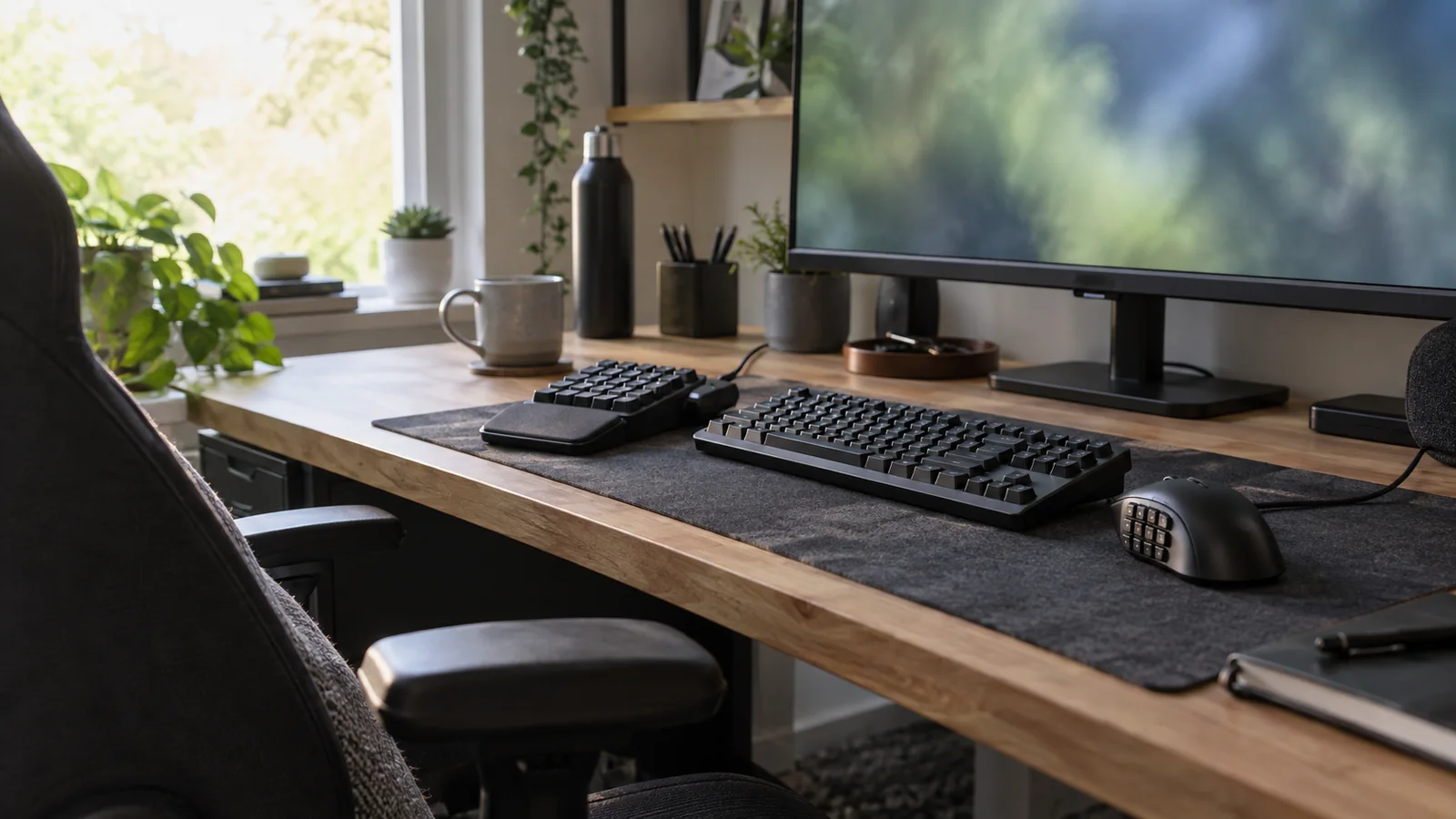
Practical MMO setup field guide
Find your game. Build the setup that fits it.
Every hub starts with how the game is actually played, then maps the controls, screen space, and gear that fit, not a generic peripheral roundup.
MMOSetup / Layout notes
Find the part of your setup that needs work
Pick your world.
Start with the game you actually play. The hub narrows the setup before it asks you to choose a product.
OSRS setup
Interface space, F-keys, switching, and long-session comfort.
World of Warcraft / ForeverWoW setup: Forever and Retail
Launch context, action bars, input paths, and the hardware choices that earn their place.
Path of ExilePoE setup
Loot filters, visual hierarchy, input layers, and league starts.
RuneScapeRuneScape setup
Interface scaling, action bars, ultrawide layouts, and mouse grids.
Final Fantasy XIVFFXIV setup
Hotbars, targeting, role information, and repeatable job layouts.
Setup finder
What are you trying to decide?
Start with the job in front of you. The right page should narrow the choice before it shows you more gear.
Current decisions
Start with what you need to fix.
These are the pages that settle the next buy: the game hubs, the tablet / mouse / controller guides, and the mouse shortlists people actually compare.
Focused guides
Guides for one part of your setup
Read practical explainers for displays, peripherals, audio, keybinds, and comfort. Each one ties back to the games it supports.